Easilymodify outgoing HTTP headers
Tweak headers globally or for specific URLs so you never send more than intended. No shenanigans, all local, free & open source. Forever.
- No tracking
- No telemetry
- No remote code
- MIT licensed
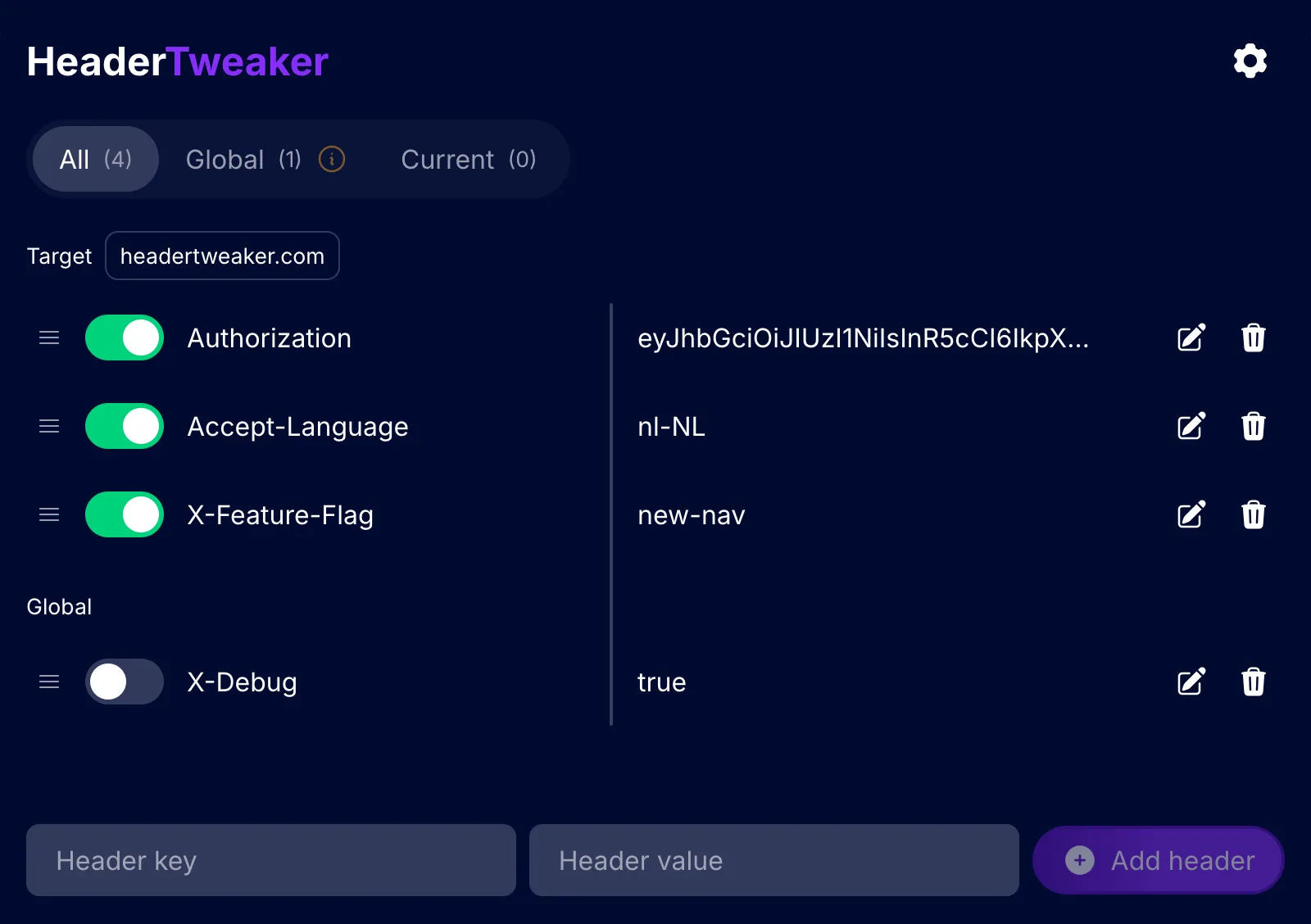
For developers, testers, designers and/or power‑users
Whether you need to communicate with APIs that require authentication tokens, run A/B tests, simulate different browsers or debug CORS issues, this lightweight extension gives you full control over the outgoing headers without touching server code.
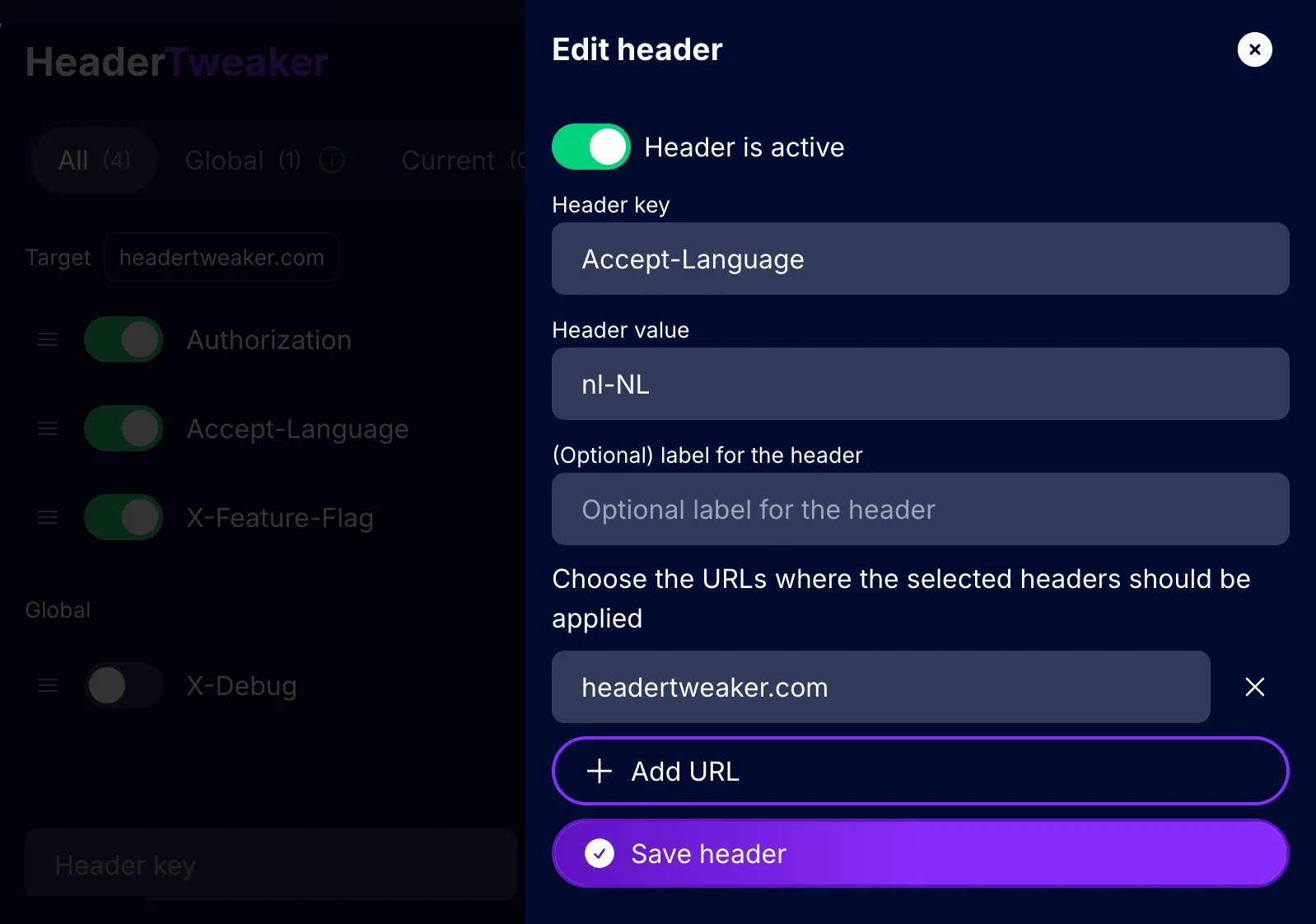
Update header details when you need to
Every header gets a key, a value and an optional label. Leave it global, or scope it to as many target URLs as you need — including the page you’re on right now.
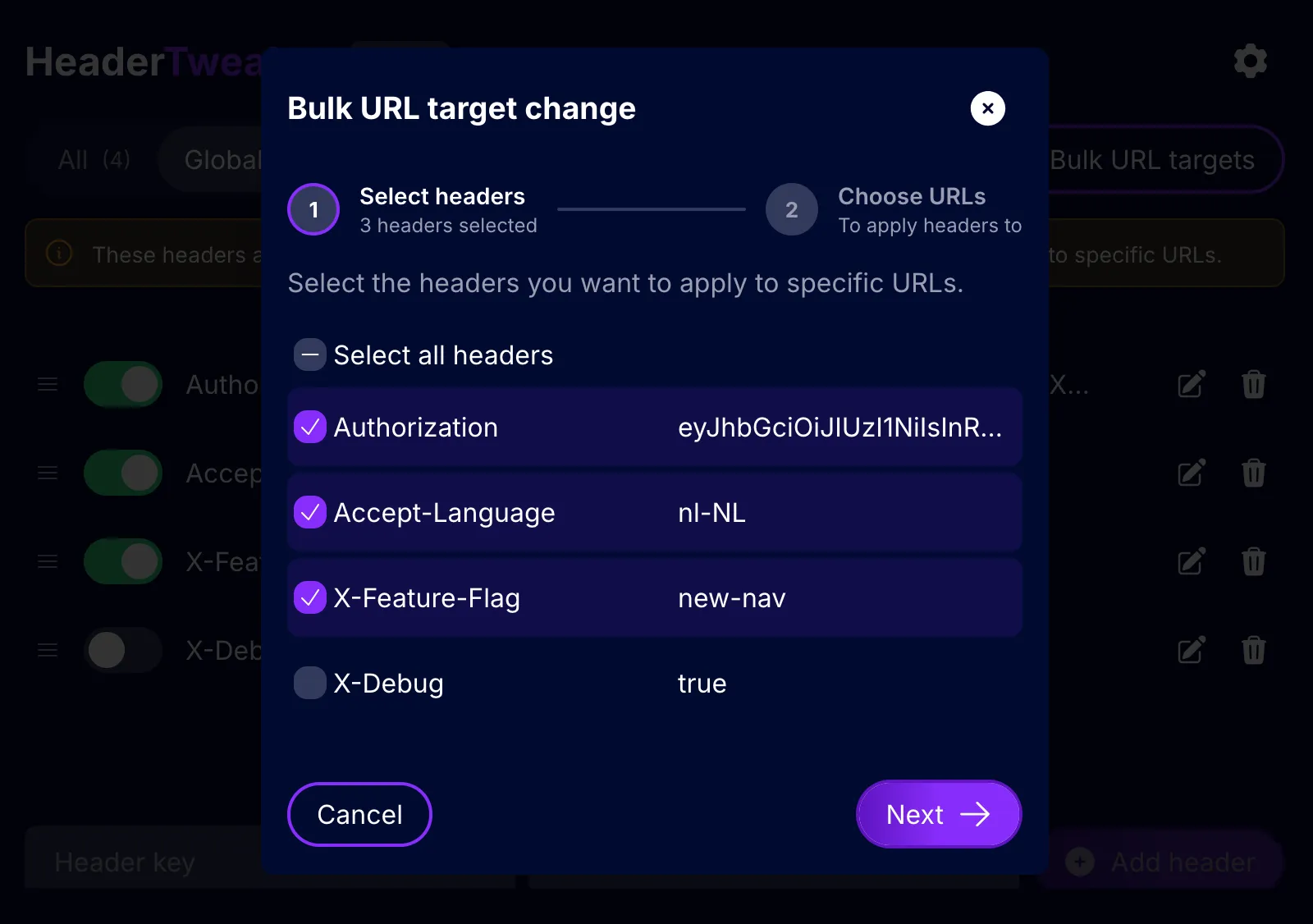
Change the URL targets for several headers at once
Prevent your headers from being applied to every request you make by targeting multiple headers at once to specific URLs.
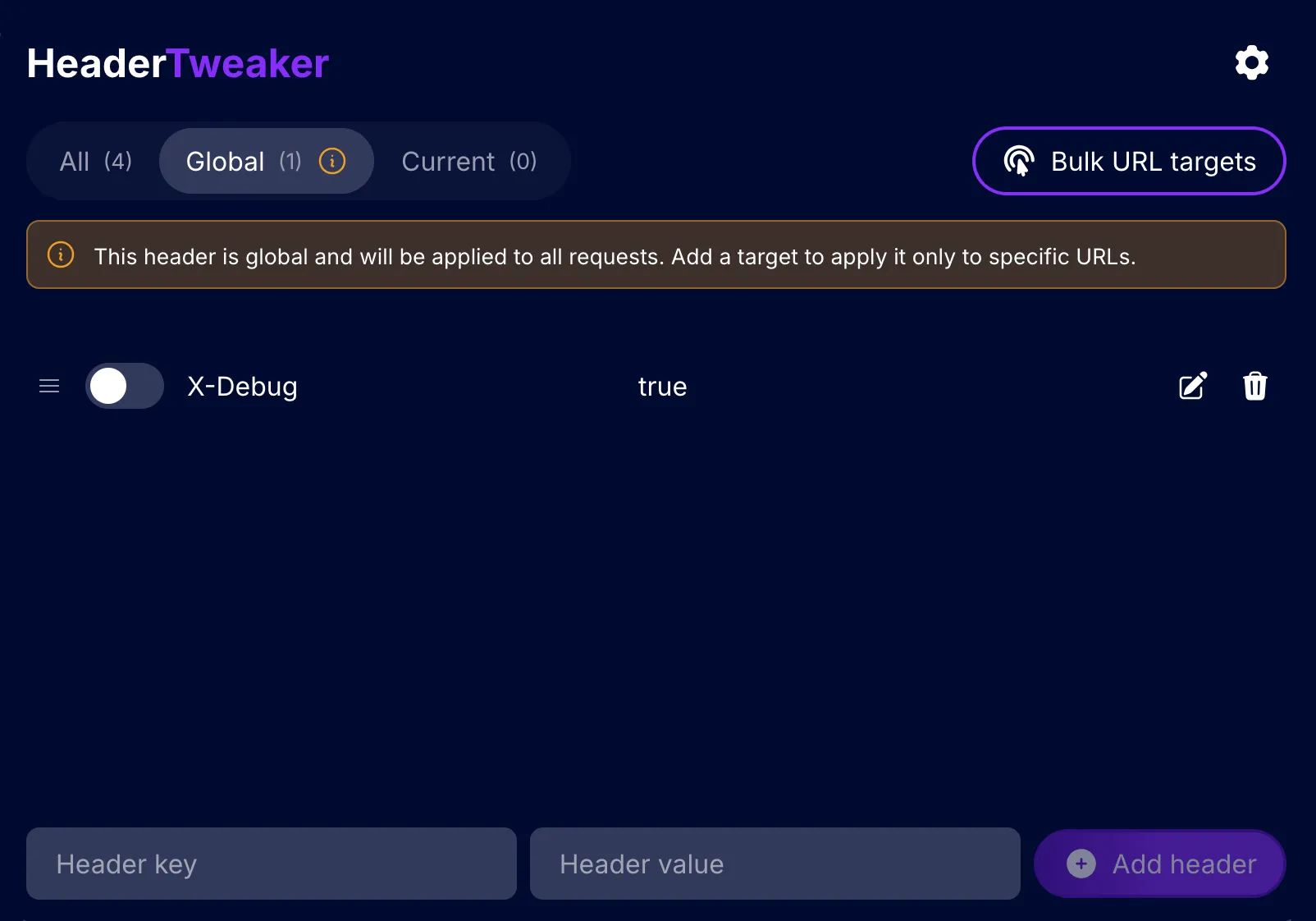
Filter the header-list to see what applies where
Switch between All, Global and Current. Headers that apply everywhere are flagged, so it’s clear what’s reaching sites you probably didn’t mean to target.
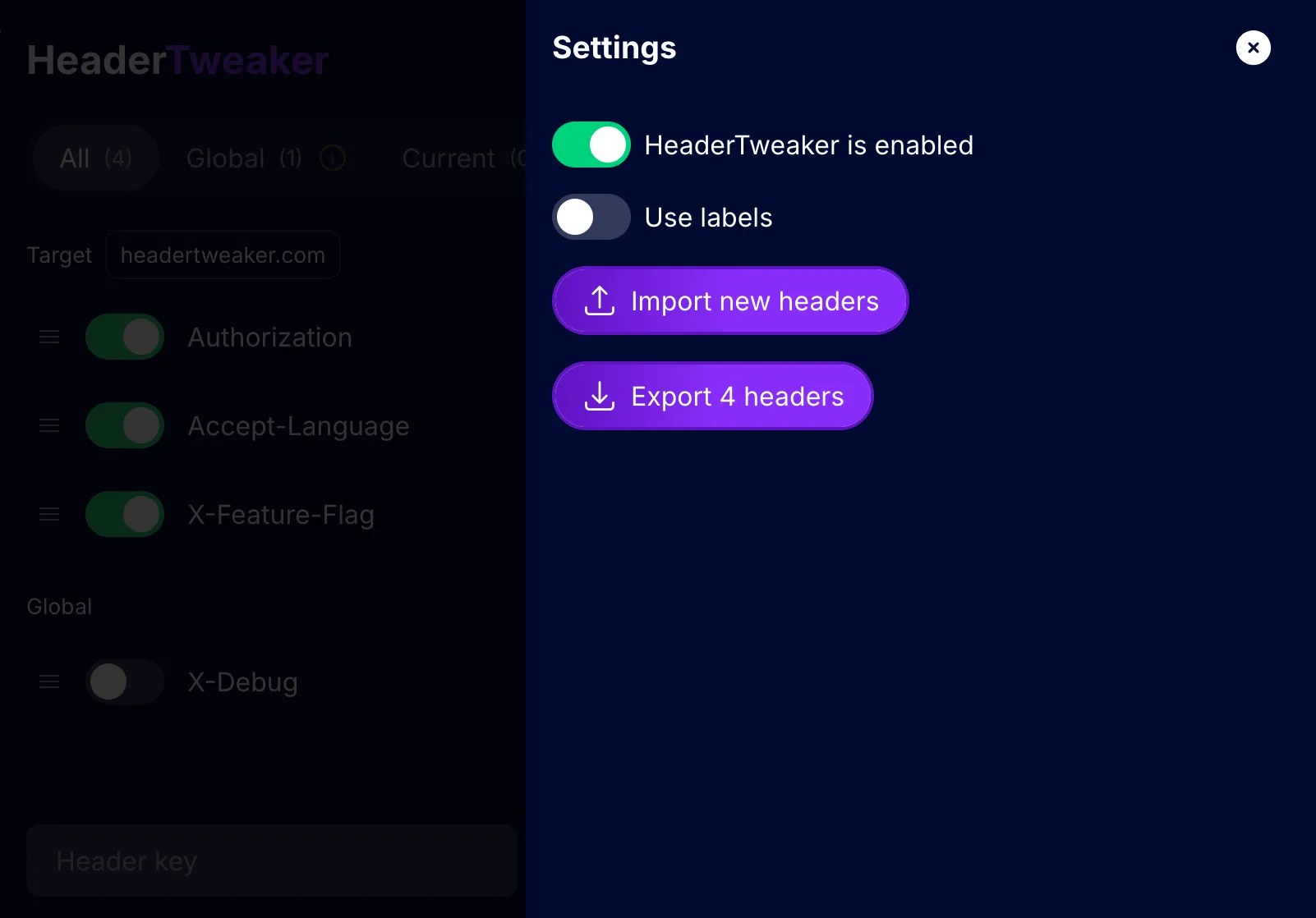
Export, import or pause your configuration
Export your headers to a JSON file to move them to another browser or share them with your team. A single switch pauses every rule without deleting any of them.
Set it up once, then browse as usual
- 1
Add a header
Enter a key and a value, and optionally a label so you remember why it’s there.
- 2
Set a target
Leave it global, or target it to a specific URL.
- 3
Browse as usual
Matching requests leave your browser with the headers applied. Whenever you’re done toggle it off or remove it completely.
All your base are belong to you
HeaderTweaker asks for the smallest set of permissions and collects no data whatsoever. Configuration only leaves the browser when you export it yourself. Period.
- No tracking, telemetry or analytics
- Stored locally with the browser’s storage API
- No remote code — only what ships in the package runs
| Permission | Why it’s needed |
|---|---|
| Keeps your header rules and settings locally in the browser. | |
| Modifies outgoing request headers before they’re sent. | |
| Lets Chrome apply the rules without the extension reading request contents. | |
| Lets rules target any site. Rules only run on requests that match your URL targets — except localhost, which every rule always matches. |
Built on each browser’s native API
One codebase, using whichever API each browser exposes for modifying requests.
| Browser | API used | How it works |
|---|---|---|
| Firefox | webRequest | Headers are modified on outgoing requests before they’re sent. |
| Chrome | declarativeNetRequest | The browser applies the rules itself — the extension never reads or intercepts your requests. |
Install HeaderTweaker
Free, open source and MIT licensed.